

How to Prepare Corporate Print Artwork in Kenya: Resolution, Bleed, and Paper Selection Mistakes to Avoid
Ordering corporate stationery or promotional displays should be simple. Yet, many businesses across Nairobi, Mombasa, Kisumu, and Eldoret experience frustration when their final printed materials arrive looking pixelated, washed out, or misaligned.
Whether you are printing executive stationery or outdoor displays, understanding the technical fundamentals saves your business time and money. Here is how to get your print files right the first time.
1. The Paper Weight Dilemma: Bond vs. Conqueror vs. Artpaper
One of the most common mistakes in corporate procurement is assuming all paper behaves the same way in commercial printing presses versus desktop office printers.
Letterheads: Standard office photocopying paper (80gsm) curls and jams under high laser-printer heat. Executive corporate documents require specialized, textured stock like genuine Conqueror Paper Letterheads that guarantees anti-jam durability and professional prestige.
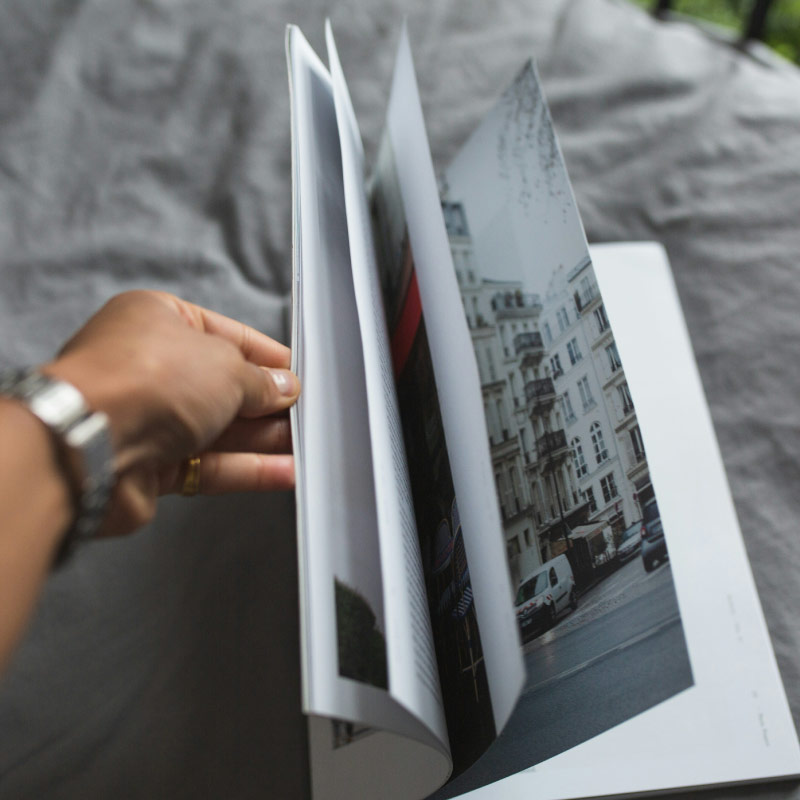
Brochures & Catalogs: Lightweight paper makes multi-panel items feel flimsy and unprofessional. Using heavy 150gsm to 170gsm artpaper provides the ideal structural balance for Brochures Printing with clean, no-crack folds.
2. Resolving the 300 DPI vs. 72 DPI Trap for Large Banners
A frequent issue with large format prints is image stretching. Business owners often pull a logo or photo from WhatsApp or Facebook (which is compressed to 72 DPI for web viewing) and try to print it on a massive outdoor display.
For large-scale advertising, your images must be high-resolution vector files or high-DPI raster graphics (ideally 300 DPI at scale).
When ordering heavy-duty outdoor displays like Banner Printing in Kenya, ensure your layout accounts for viewing distances and heat-welded hem margins so your text isn't swallowed by metal eyelets or folded hems.
3. Why Bleed and Safe Zones Matter
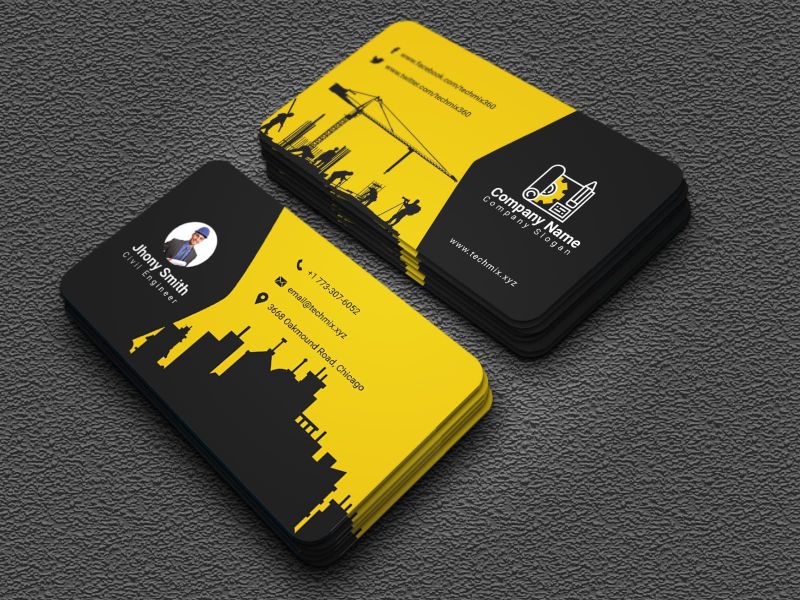
If your background color or imagery goes all the way to the edge of your page, you must include a 3mm bleed and a safety margin. High-speed industrial cutters shift slightly during mass trimming. Without a bleed, you end up with thin, unprofessional white lines on the edges of your business cards or marketing handouts. Always keep critical text at least 4mm inside the trim edge.
Complete Your Corporate Print Ecosystem
To maintain a unified brand presence across all physical touchpoints, ensure your collateral is consistently formatted and printed on matching stocks:
Pair your official correspondence with custom Envelope Printing.
Equip your field teams with executive Business Cards and professional Flyers Printing.
Anchor your physical exhibitions and office spaces with portable Rollup Banners.
Need a professional review of your layout before it goes to press? Send your PDF or AI files directly to the PrintShopKE production team via WhatsApp at 0746 174 084 for immediate technical verification.